
Free AI Video Generator
A curated lineup of frontier video models in one workspace. Generate from text, animate a still image, or interpolate between two keyframes.
The all-in-one free AI video generator built to ship
Frontier video models, image-to-video and keyframe modes, plus commercial-use rights — without the sign-up wall most free AI video generators put in front of you.
Frontier video models in one workspace
AIGAZOU bundles a curated lineup of frontier video models on one page — cinematic shots with native audio, faithful human motion and lip sync, and the model to reach for when you need to animate an anime or character illustration. Switching between them takes one click — no separate accounts, no separate billing.
No sign-up, free daily credits
AIGAZOU works without an account, email address, or credit card on file. Open the page and start generating. Daily free credits replenish every 24 hours, which keeps regular use entirely on the free tier. Paid top-ups are optional and only unlock higher resolution (1080p / 4K), audio output, and priority queue.
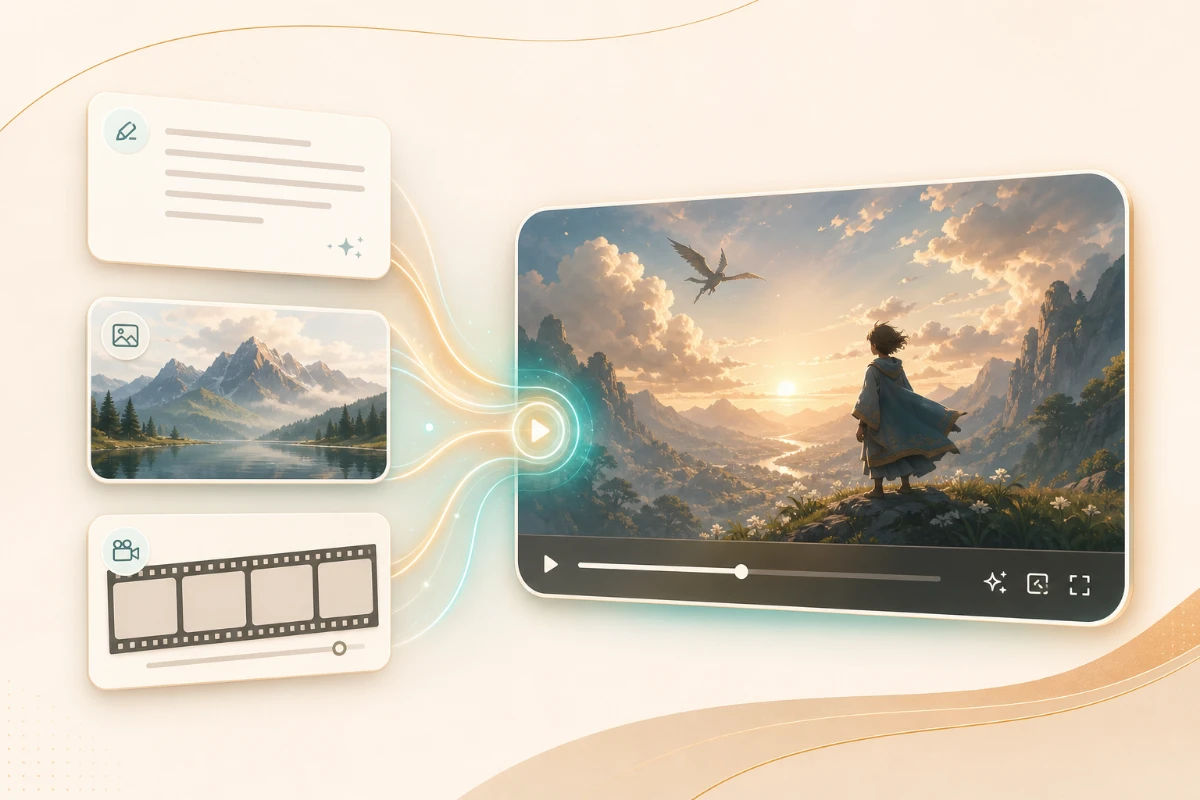
Text-to-video, image-to-video, and keyframe transitions
Type a scene description and AIGAZOU generates a clip from scratch. Or upload one to three reference images and it animates them — character, framing, and palette preserved while motion is added per your prompt. A third mode, first-frame plus last-frame, lets you specify both ends of a shot and have the AI interpolate the transition between them.
3 to 15 seconds, vertical or wide, with optional audio
Pick duration second-by-second from 3 to 15 seconds, with synchronized audio available when the scene calls for it. Output in 9:16 for TikTok, Reels, and Shorts, 16:9 for YouTube long-form and ads, or 1:1 for feed posts — all from the same generation flow.
Commercial use included, copyright stays with you
Videos generated on AIGAZOU are cleared for commercial use — paid advertising, product reels, YouTube content, social ads, and paid client work all qualify. Free-tier outputs carry no watermark. Standard exclusions apply: identifiable real people without consent and trademarked brand assets remain off-limits.

Scene direction and camera language in natural prompts
Write camera and motion instructions the way a director would: "slow pan along a sunset beach, low handheld, golden hour, anime style." AIGAZOU passes those directions to the model without translation, and the result follows your shot list — framing, motion, lens behavior — instead of treating the prompt as a flat keyword bag.
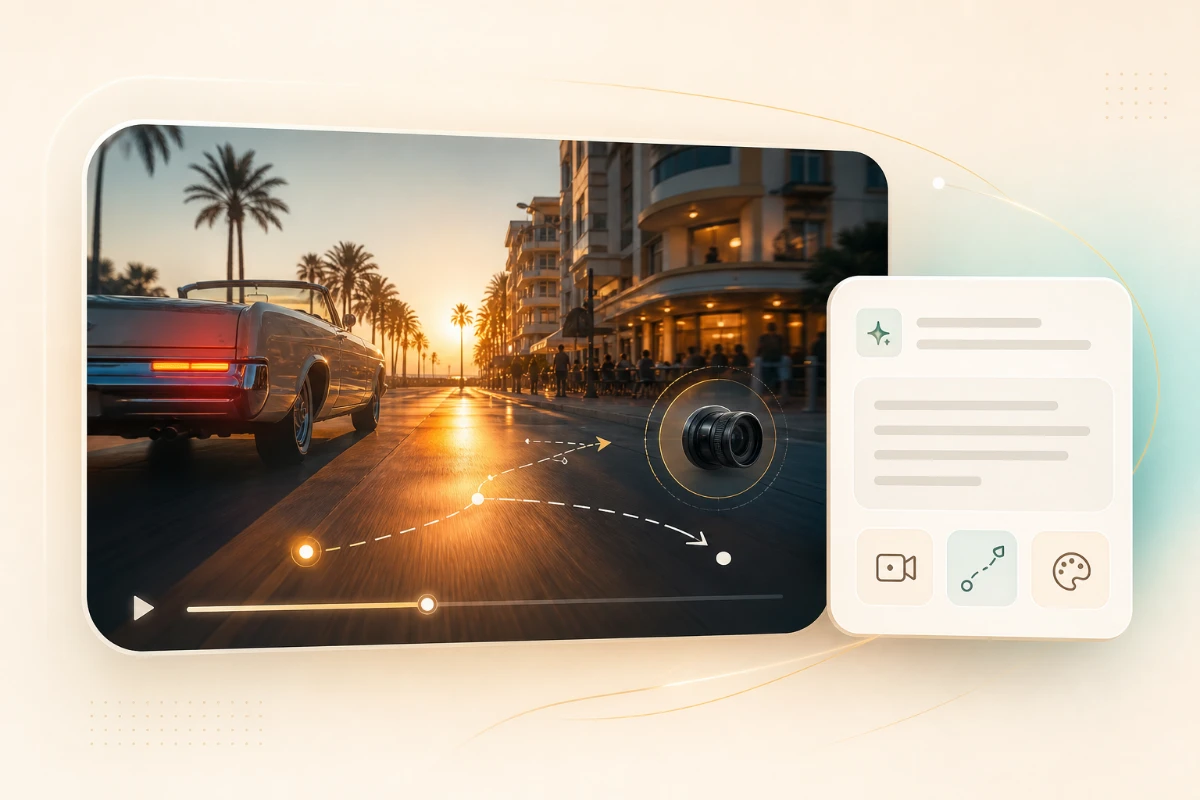
AI video generation models
Choose the best video model for the job. Use Seedance for reference-driven animation, Veo for cinematic clips with audio, and Kling for natural short-form motion.
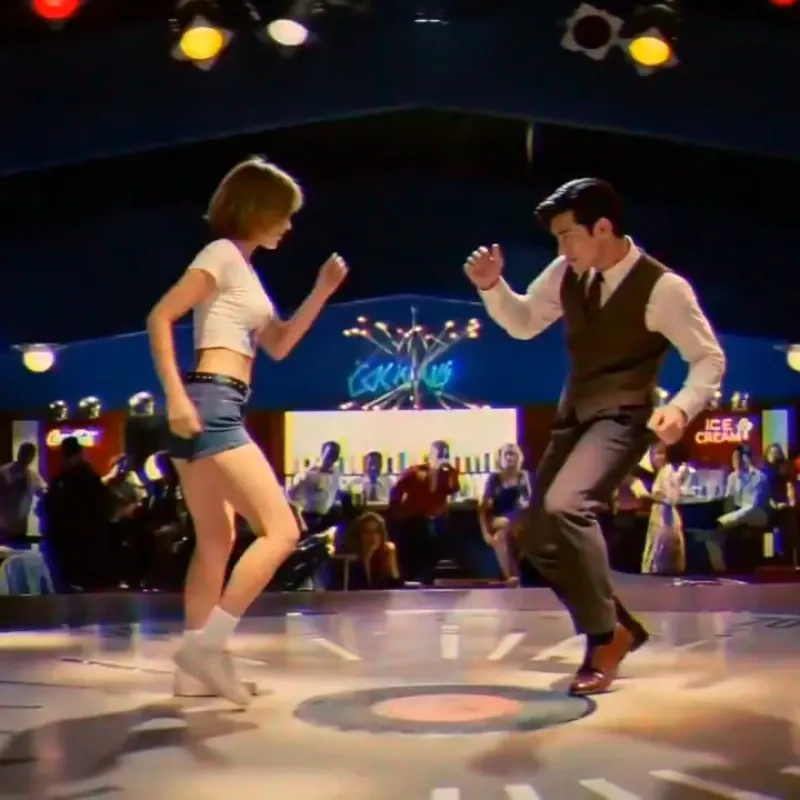
Seedance 2.0
Reference image and video generation for character animation, anime intros, and consistent motion.
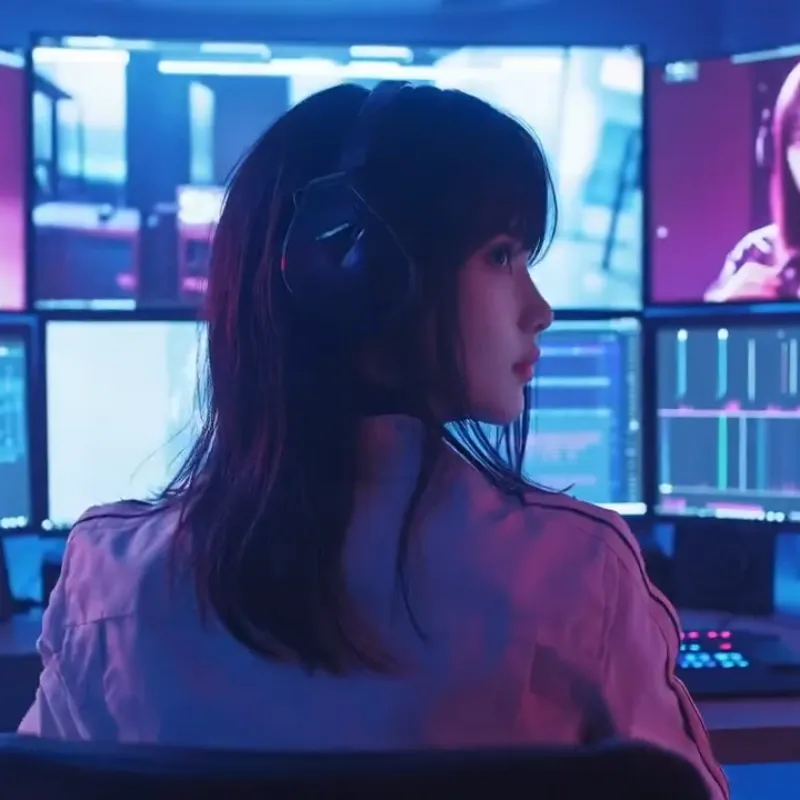
Veo 3.1
Cinematic AI video generation with synchronized audio for B-roll, ads, and hero clips.
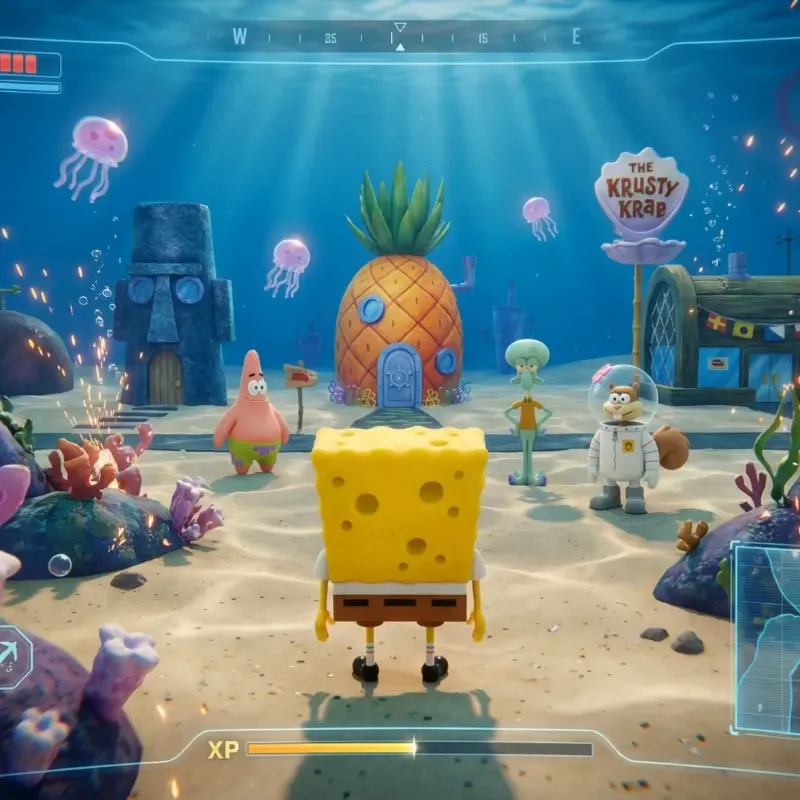
Kling AI
Natural motion and human action for reels, product shots, and short social videos.
Generate a video in three steps
Write a scene → pick a model and mode → download. No app, no account, all in the browser.
Describe the scene and camera
Type what you want to see — subject, setting, motion, and camera language. "Slow handheld pan along a sunset beach, red-haired girl, anime style" works better than "beach girl." To start from an image instead, upload one to three references and the model uses them as the starting frame or character anchor.
Pick model, mode, duration
Pick a frontier model from AIGAZOU's lineup, then choose a mode: text/image-to-video, first-frame plus last-frame interpolation, or reference-to-video. Set duration (3–15s), aspect ratio (9:16, 16:9, 1:1), and resolution (720p, 1080p, or 4K).
Generate and download
The clip renders in tens of seconds to a few minutes depending on model and resolution. Iterate on the prompt or swap models if needed. When you're happy, download the MP4 and drop it straight into TikTok, Reels, Shorts, YouTube, or an ad set.
What people build with AIGAZOU video
Short-form social, ad creative, character animation, B-roll — here's where a free AI video generator earns its keep.
TikTok, Reels, and Shorts
Daily 9:16 short-form for creators who can't film every day. Realistic human motion holds up for face-on talking shots; the anime-tuned model handles character reels.
YouTube intros and B-roll
AIGAZOU's cinematic video model generates openers and B-roll cutaways with synced audio. Cuts the time spent hunting through stock footage for a clip that almost fits the script.
Ads and landing-page hero videos
Image-to-video animates a product still into a hero loop for a landing page. Same flow batches out variant clips for A/B testing on Meta and TikTok ads — no shoot day, no stock licensing.
Animating original characters
Drop a character illustration into image-to-video, or use first-frame plus last-frame to direct a specific motion. Common for VTuber assets, indie game trailers, and doujin work.
Scenery and ambient B-roll
Generate establishing shots and ambient loops from prompt — drone passes, beach waves, city lights — for travel vlogs, stream backdrops, and meditation content.
Concept films and pitches
Mock up product demos, game trailers, and pitch films before committing to a real shoot. Useful for internal alignment and investor decks where direction matters more than pixel-perfect frames.
What AIGAZOU users say
Feedback from creators, marketers, and builders using AIGAZOU's AI video generator in production.
「I post a 9:16 reel every day. On the days I can't film I generate one in Kling — the motion looks human enough that nobody in my comments has called it out. No sign-up matters more than I expected; I just open a tab and go.」
「We use Veo 3.1 to mock up hero videos for landing pages before shoot day. First drafts to client are about 50% faster now. Being able to A/B-test five variants of an ad clip in an afternoon is the part I didn't have before.」
「I animated my own character art with Seedance 2.0 for my channel intro. Image-to-video kept the face consistent, which was the part I was worried about. For a free AI video generator the output is honestly hard to believe.」
「Veo with audio replaced about a third of the stock footage I used to license. I generate the specific B-roll the script needs instead of cutting around clips that almost fit. The channel feels more deliberate now.」
AI video generator FAQ
Other AIGAZOU tools
Render your first clip free
No sign-up. Frontier video models, three generation modes, and free daily credits — all in the browser.
Generate video for free