With Veo 3.1, the next-generation AI video generator developed by Google DeepMind, you can easily create high-quality videos from text or your own images. Whether you need short clips for social media or longer videos for professional projects, this AI-powered tool expands your creative possibilities.
What sets Veo 3.1 apart from other video generators is not just its speed, but its ability to create seamless, natural-looking videos. If you've experienced issues like character designs changing mid-video or awkward transitions with other tools, Veo 3.1 is the solution you've been looking for.
Try Veo 3.1 for Free

With the optimized Veo 3.1 Fast model, you get your first video draft in minutes. It's perfect for quickly testing ideas or generating multiple versions at once. Veo 3.1 Fast boosts processing speed by nearly three times while maintaining quality, making it ideal for streamlining daily production tasks.
Start for Free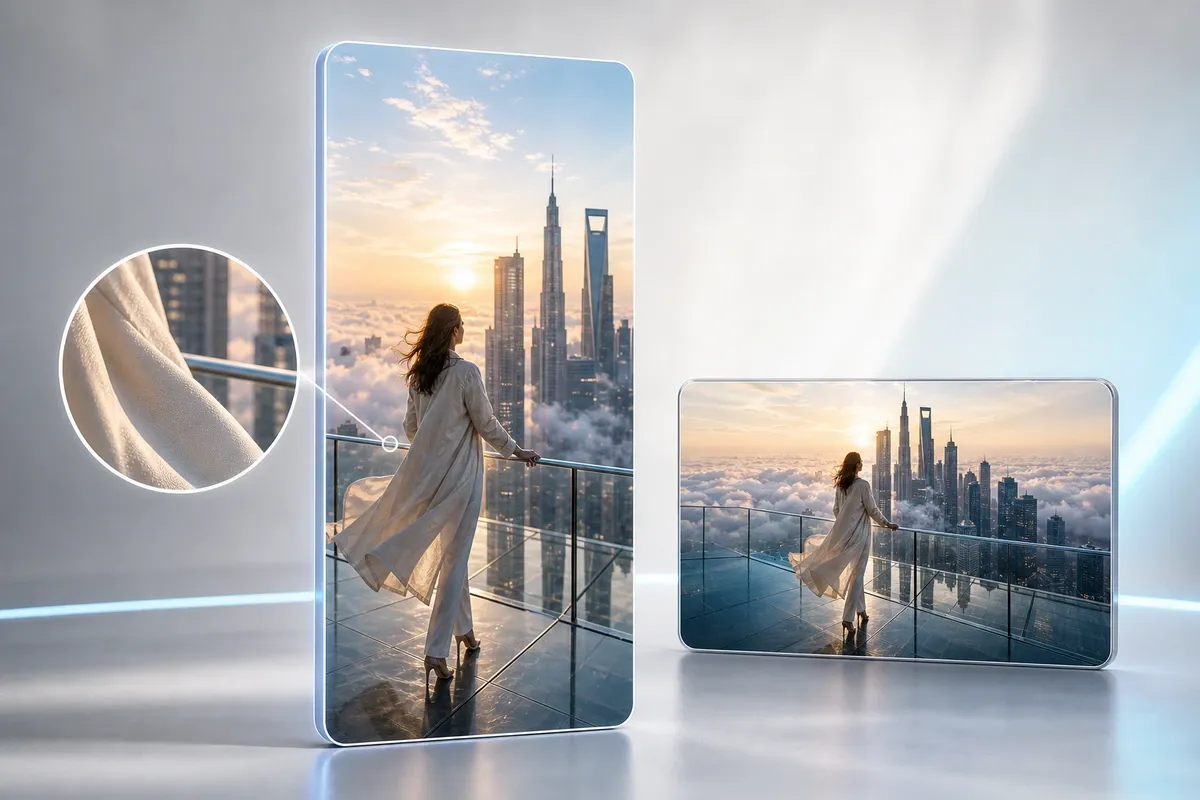
Veo 3.1 lets you generate 9:16 vertical videos in the ideal format for social media right from the start. No need to crop or worry about losing quality—output ranges from 1080p to 4K, making it perfect for ads or exhibition displays.
Start for FreeQuickly generate multiple vertical videos for Instagram, TikTok, or X. Marketers looking to create various A/B test materials will find their workflow dramatically improved with Veo 3.1.

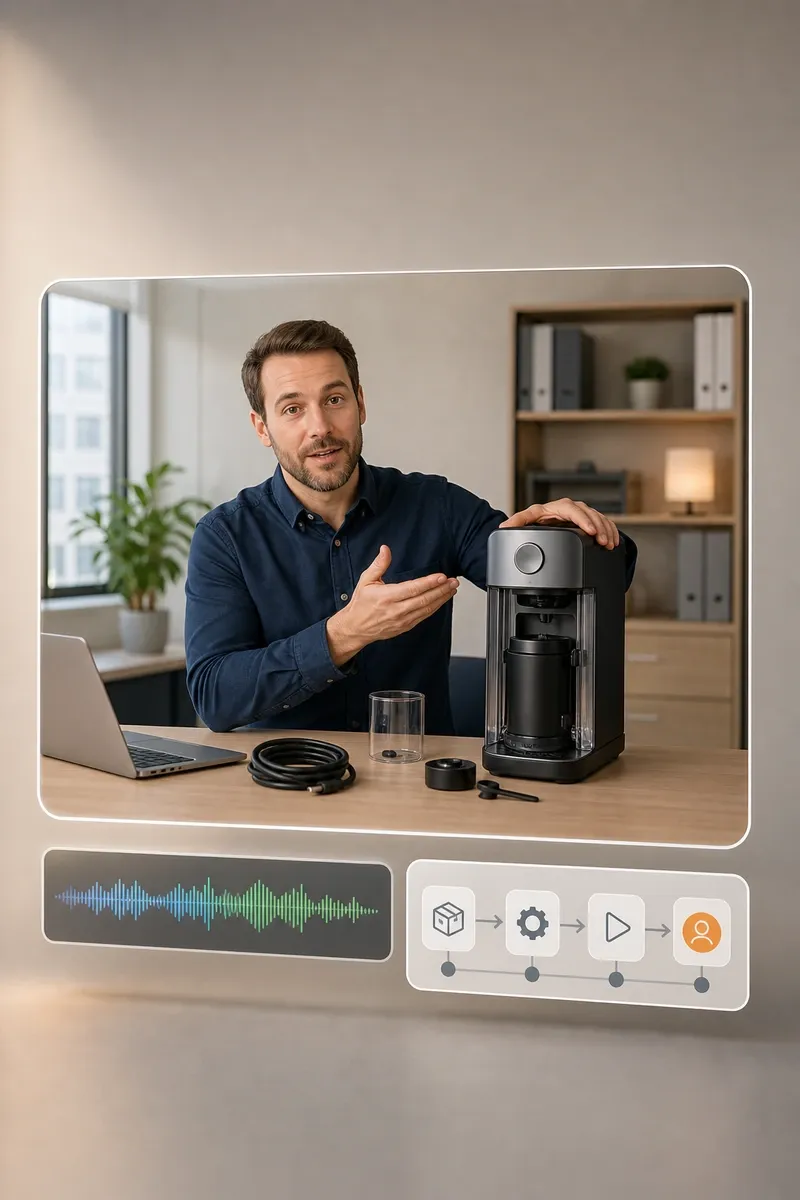
For internal guides or onboarding videos that don't require a full production team, Veo 3.1 is all you need. Just enter your script and Veo 3.1 generates both the visuals and narration automatically.
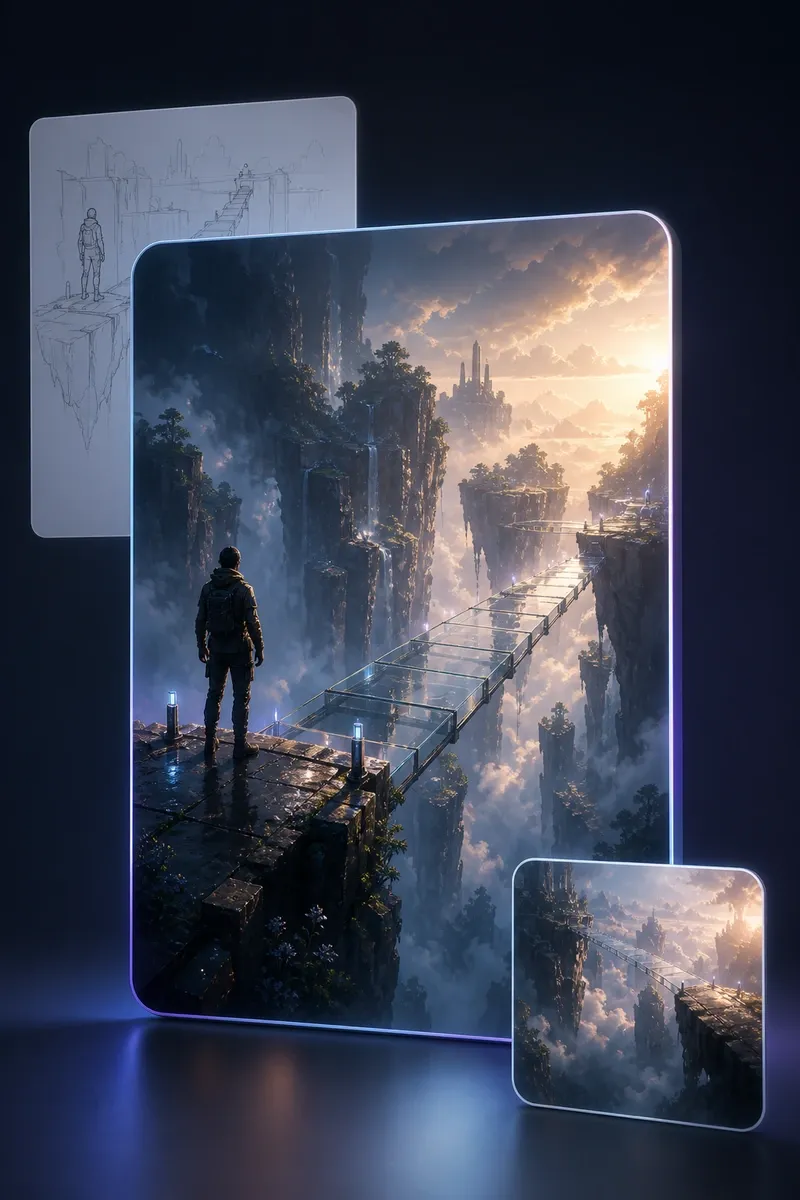
Illustrators and filmmakers can quickly turn ideas into videos with Veo 3.1, making it easy to visualize and compare concepts. This speeds up the creative process and helps bring your vision to life.
For a quick start, use Gemini Veo 3.1. If you want more control over settings, Veo 3.1 Flow is recommended.
Write a Veo 3.1 text prompt describing your video's theme or scenes, or upload images for the start and end points. If you add multiple images, Veo 3.1 automatically fills in the scenes between, preserving your unique style.
Select video orientation (horizontal/vertical), resolution, and model (Fast/High Quality). For initial drafts, choosing Veo 3.1 Fast prioritizes speed without unnecessary delays.
Click the generate button and your video will be ready in minutes. If you need to make changes, use the object add/remove features to fine-tune your video until it meets your expectations.
You can try Veo 3.1's video generation features for free without extra registration. This makes it easy to see if Veo 3.1 fits your needs.
Veo 3.1 greatly reduces common issues found in other AI video generators, such as characters' faces changing or backgrounds switching unnaturally.
Compared to other AI video generators in the same category, Veo 3.1 uses fewer credits per video, allowing you to create more videos with a monthly subscription.
As long as you follow Google’s terms of service, you retain ownership of any videos you create. This makes Veo 3.1 suitable for both personal and business use.
No need to install a dedicated app—start using Veo 3.1 instantly through your browser on Gemini or Flow’s web pages. You can work seamlessly across any device.
Reduce production time and instantly turn your ideas into videos with Veo 3.1.
Try Veo 3.1 for FreeUploaded images and videos are processed securely and automatically deleted after generation. Nothing is saved, reused, or used for training data, ensuring a one-time, safe conversion experience.
"It used to take me half a day to make 10 vertical videos for social media, but with Veo 3.1, I can finish in just one hour."
Yamamoto
26, Web Marketer
"I love how I can quickly generate videos that match my vision just by tweaking the prompt a little."
Kenta
32, Freelance Video Creator
"I tried Veo 3.1 for free at first, and the ease of use convinced me to upgrade to a paid plan right away."
Shimizu
29, Advertising Designer
"Now I can handle all of our internal training video production by myself, which has made my workflow much more efficient."
Suzuki
35, Corporate HR Manager