Kling 3.0 is the world’s first all-in-one AI video generator that creates realistic 1080p HD videos with audio from text or images. It brings together everything creators need, from advanced camera effects and audio sync to natural motion powered by a physics engine.
Design camera movement, composition, and character actions all in one place—just like directing on set. Create dynamic camera work without expensive gear or a full crew, and bring your vision to life with Kling AI video generation.
Try Kling AI Free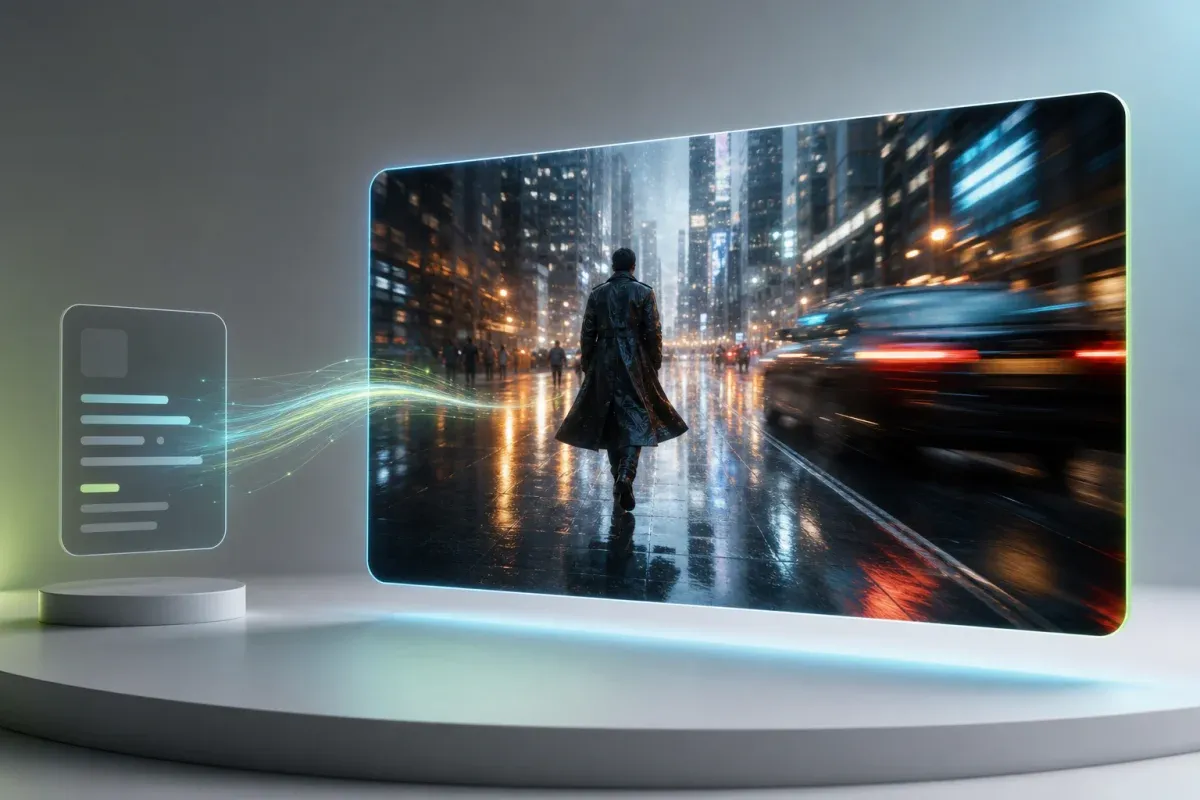
Generate narration, character dialogue synced to lip movements, sound effects, ambient sounds, and background music—all perfectly aligned in one step. No need for extra editing software to match audio after rendering.
Start for Free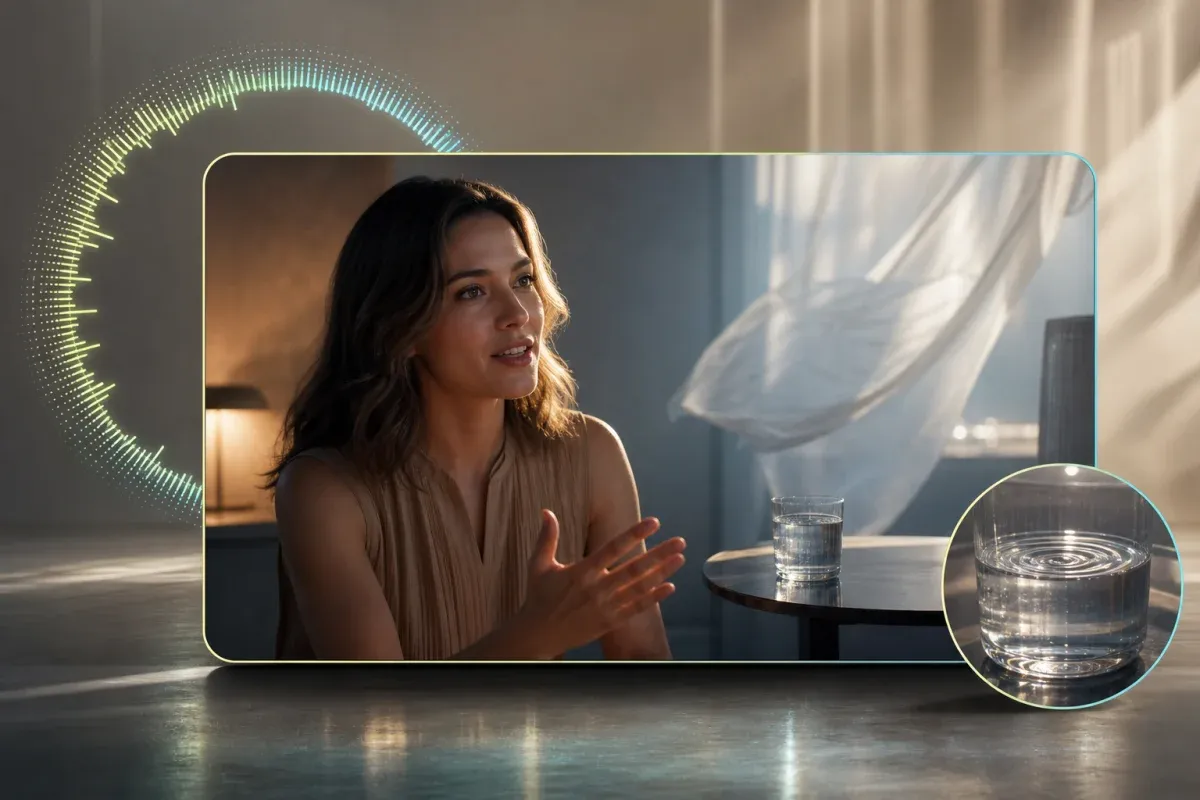
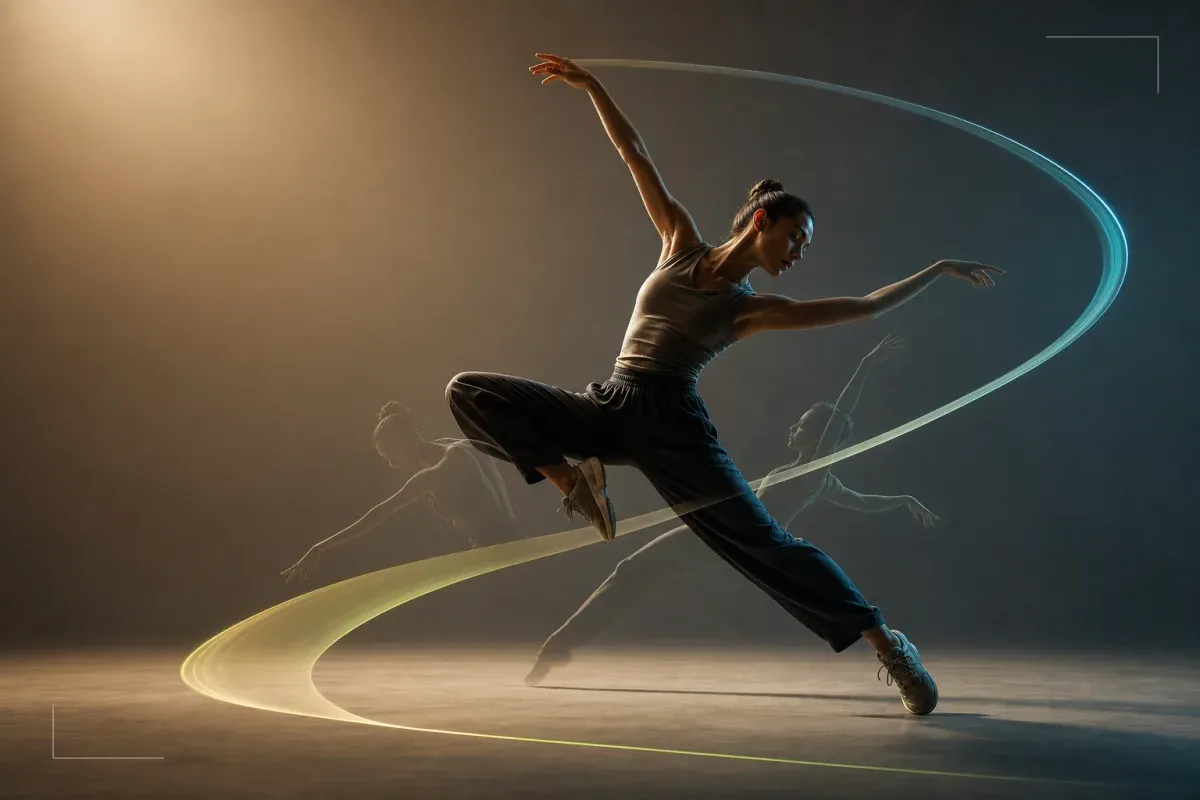
With its dedicated Omni One physics engine, Kling AI accurately simulates gravity, object interactions, light reflections, and shadows. The result is ultra-realistic video generation that rivals live-action footage, eliminating the unnatural movements common in other AI video tools.
Start for FreePerfect for frequent video creation—product showcases, daily vlog-style content, or event promos. Just enter your prompt and get HD-quality videos in minutes with Kling AI video generator.
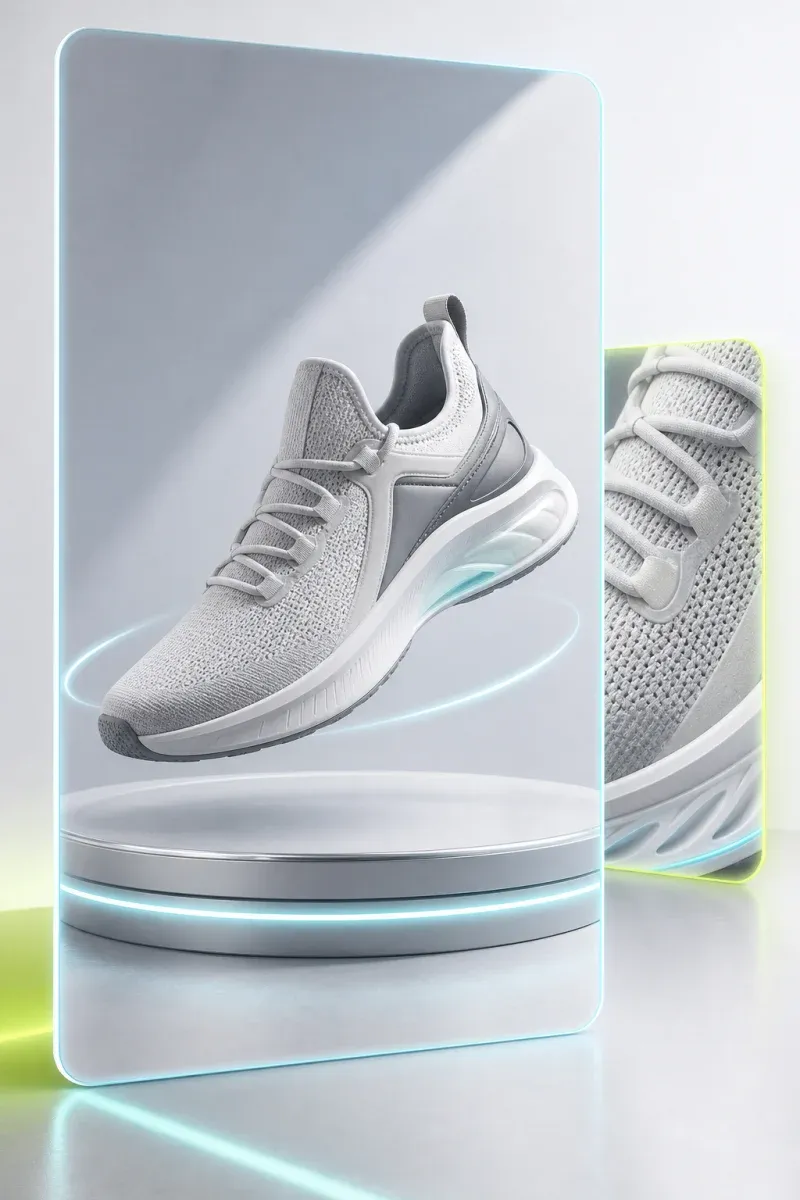
Quickly create concept videos for client proposals. Show the atmosphere of a scene with moving visuals, making it easier to get client approval compared to traditional storyboards.

Even without filming equipment or a large editing team, you can produce cinematic short films or explainer videos. Kling AI offers robust editing features, like consistent character appearance and seamless scene extension, so your workflow never stalls.
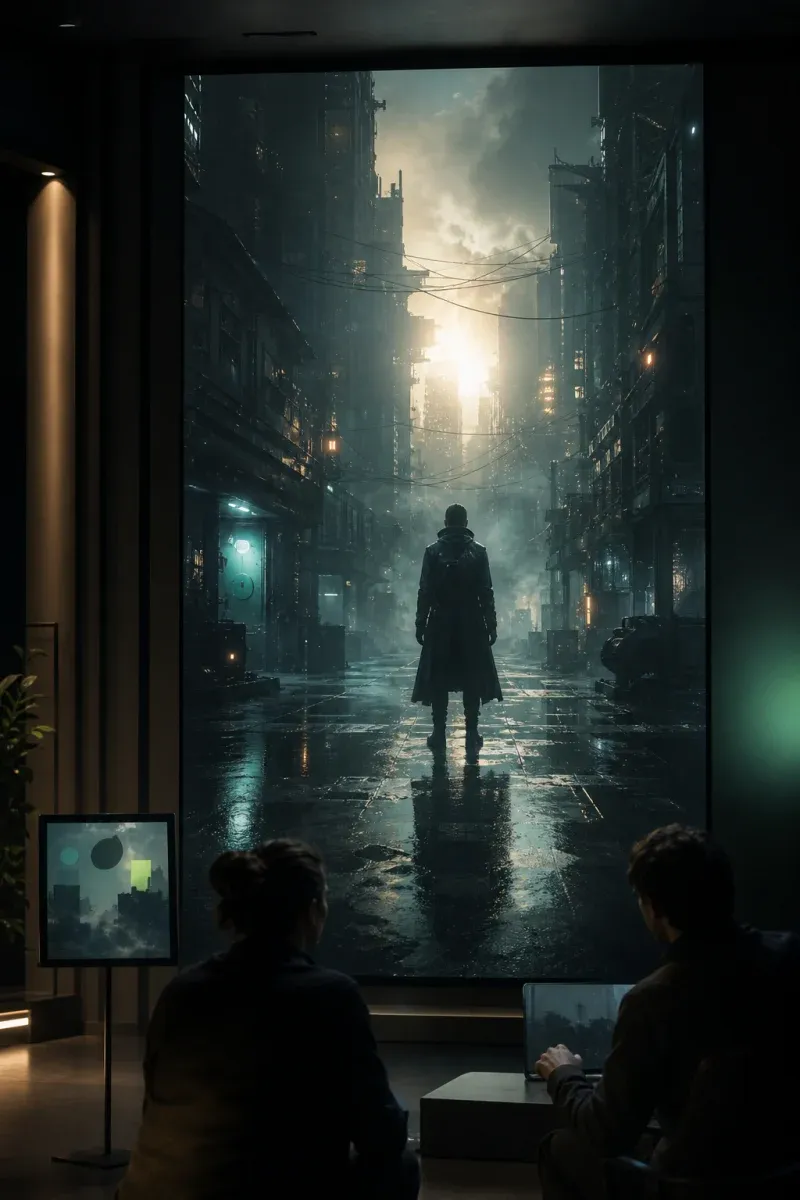
Simply describe your video idea in natural language. For quick drafts, use the 20x speed Draft Mode; for final projects, select the highest-quality Pro Mode.
Customize aspect ratio, camera movement, and overall visual style—realistic, animated, retro film, and more. Choose from presets to easily match your preferred look.
Review your initial clip and make adjustments—add objects, swap backgrounds, or change styles as needed. Kling AI automatically keeps character appearances consistent across scenes.
Kling AI accurately interprets prompts in Japanese, making it easy for non-English speakers to create videos. For even more nuanced control, English prompts are also supported.
New users get free credits and can try Turbo Mode for fast rendering. Explore Kling AI’s features before choosing the best plan for your needs.
Kling AI uses a credit-based pricing model, so you only pay for what you use. Whether you create a few videos a month or generate content daily, there’s a Kling AI pricing plan that fits your workflow.
Kling AI’s physics engine delivers natural motion and perfectly synced audio, setting a new standard for AI video generation. Spend less time on post-production and get professional results faster.
With a paid plan, you can use Kling AI-generated videos for ads, social media, and professional projects. See the official terms of service for details.
Experience a new way to create videos and expand your creative possibilities.
Try Kling AI for Free NowDownload your video in native 1080p or 4K formats, or export in 16-bit HDR and linear EXR sequences for professional video production. Easily continue editing with your preferred tools.
AIGAZOU’s Kling AI encrypts all user-uploaded data, ensuring complete privacy and control. Only you can access your content.
"Even when I enter prompts in Japanese, Kling AI generates exactly the videos I want. My workflow has become much more efficient."
Sato
29, Social Media Manager
"The time needed to create ad prototypes has been cut to a third, and clients now respond much faster."
Tanaka
Age 34, Advertising Planner
"I tried the free trial and was amazed by the quality, so I immediately upgraded to the Pro plan."
Misaki
Age 26, Freelance Video Creator
"With automatic lip-sync and voice alignment, I no longer need to spend time on audio editing after video generation."
Daisuke Ito
Age 31, YouTube Channel Manager
"The physics-based motion looks so realistic that everyone thought it was live-action footage."
Aya Nakamura
Age 37, Corporate PR Specialist
"The collaborative editing features make it easy for our team to work together, even when members are in different locations."
Takuya Kobayashi
Age 40, Video Production Team Leader