0/500
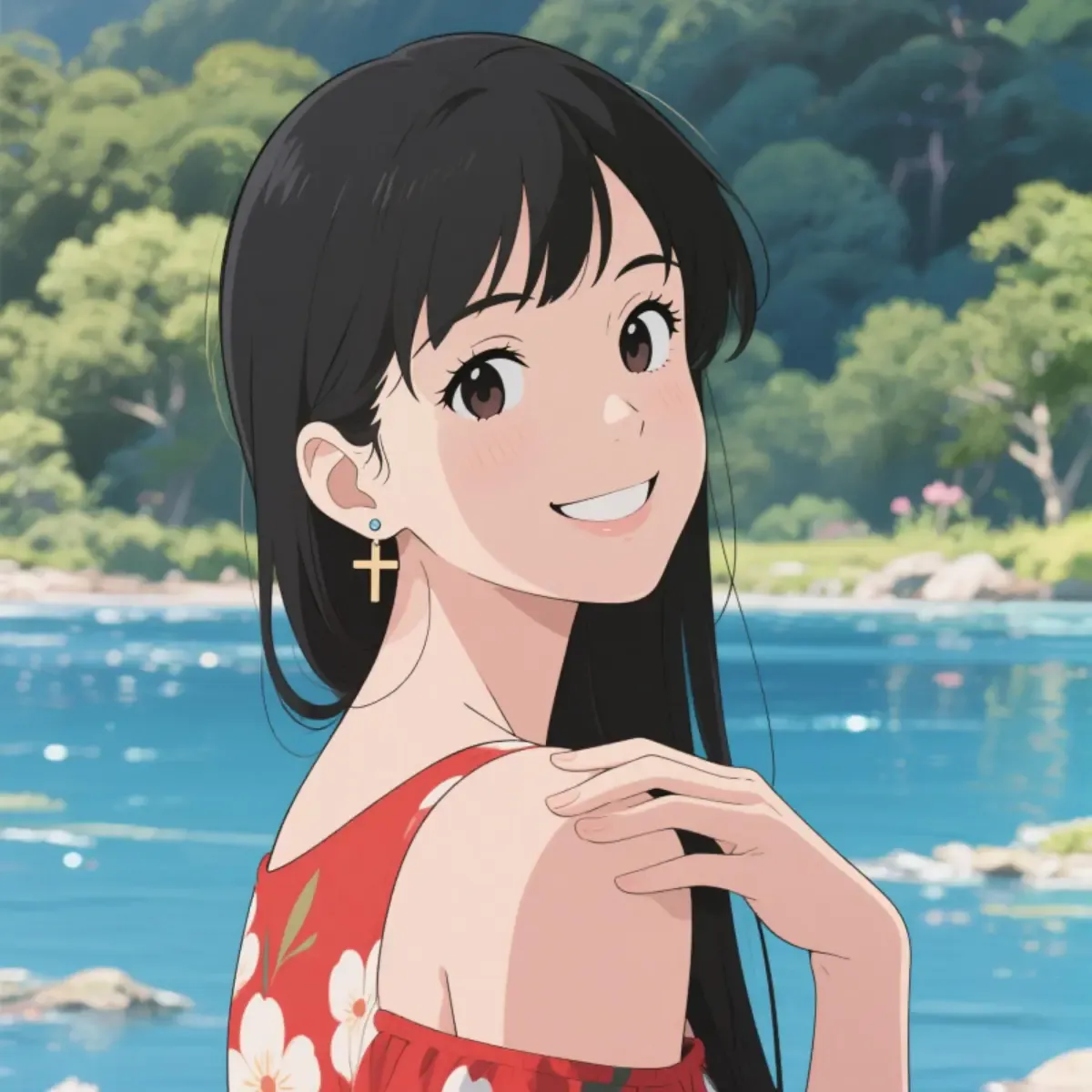
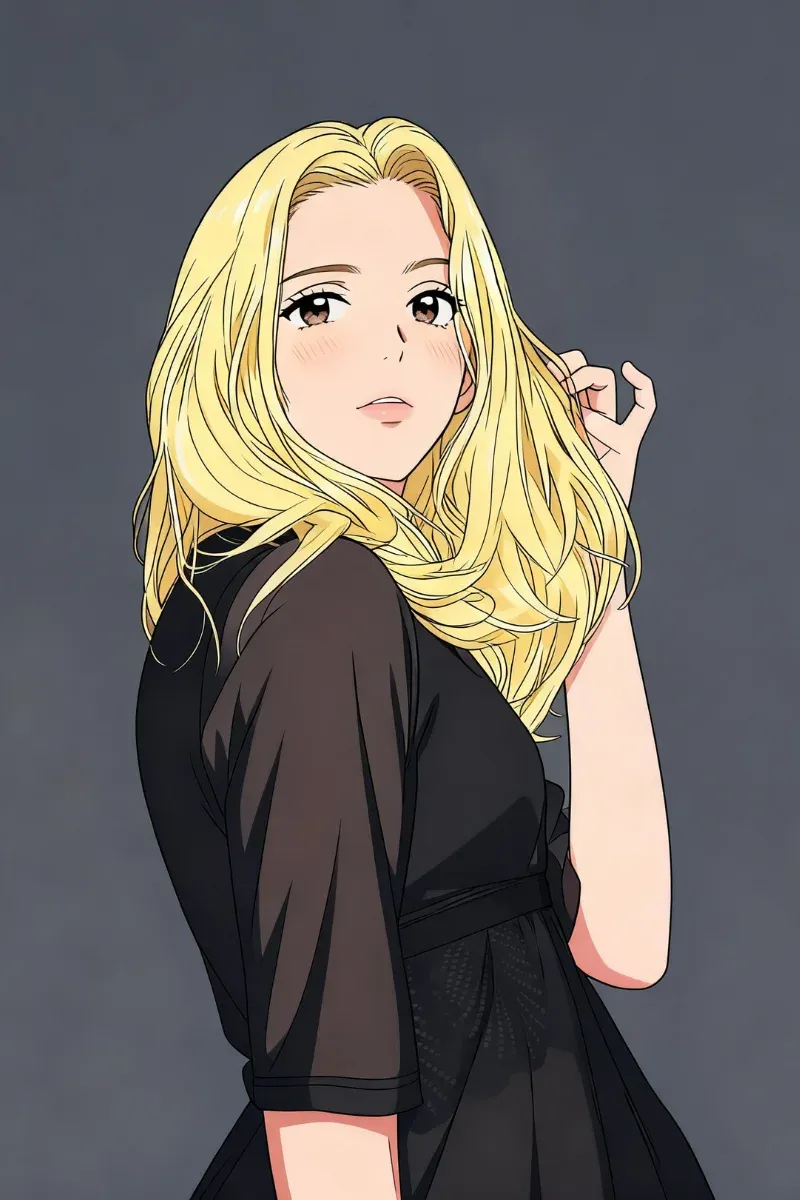
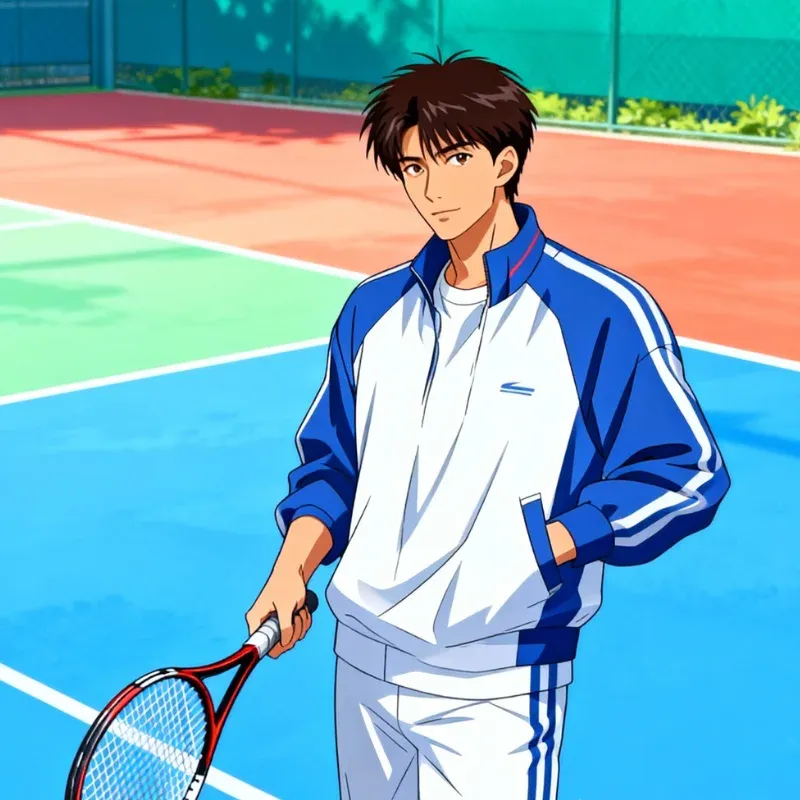
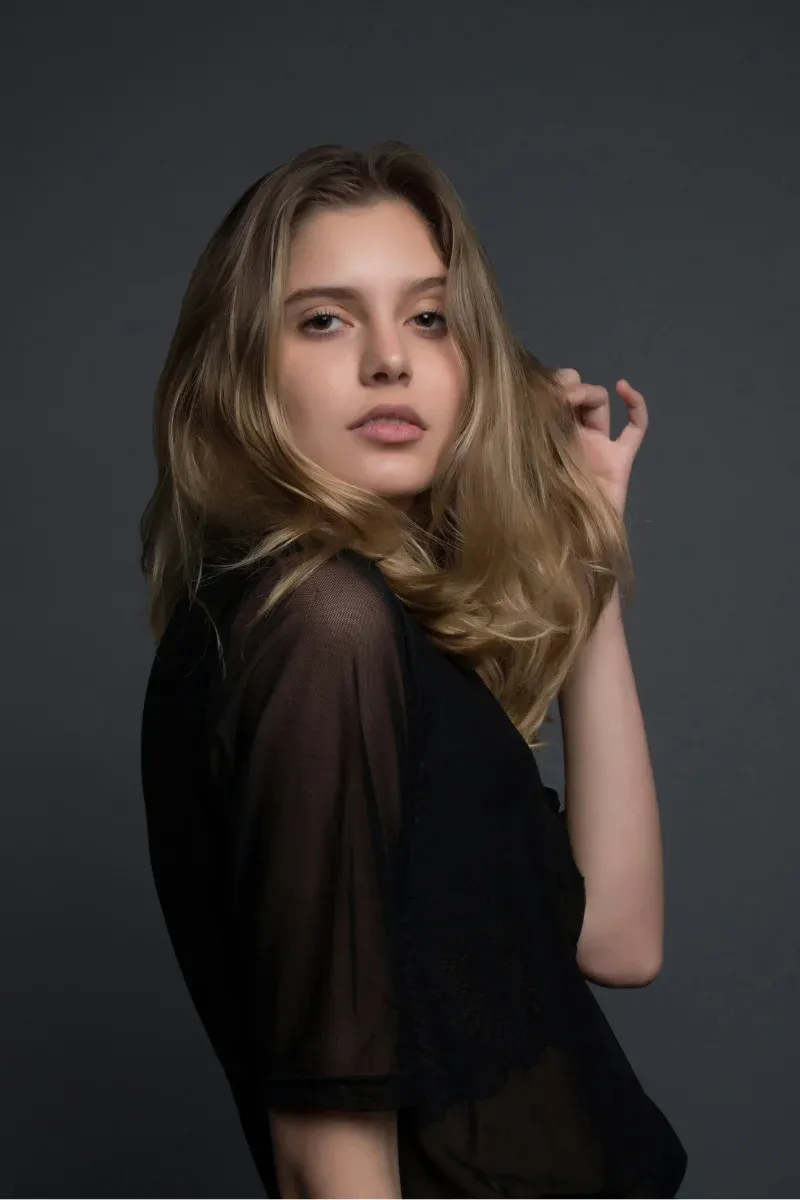
This AI filter transforms your photo into a stylized anime character with expressive features, clean linework, and vibrant color palettes—ideal for avatars, profile images, and creative self-expression.
Try AI Filters for Free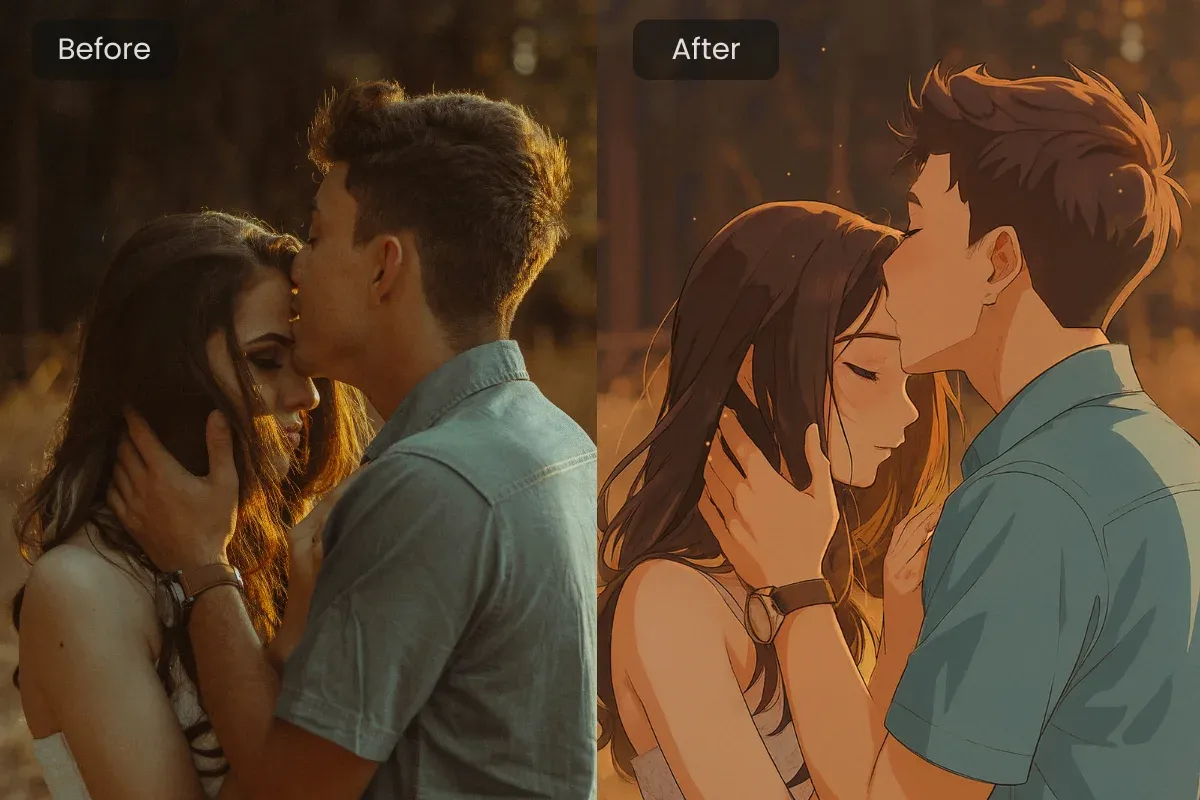
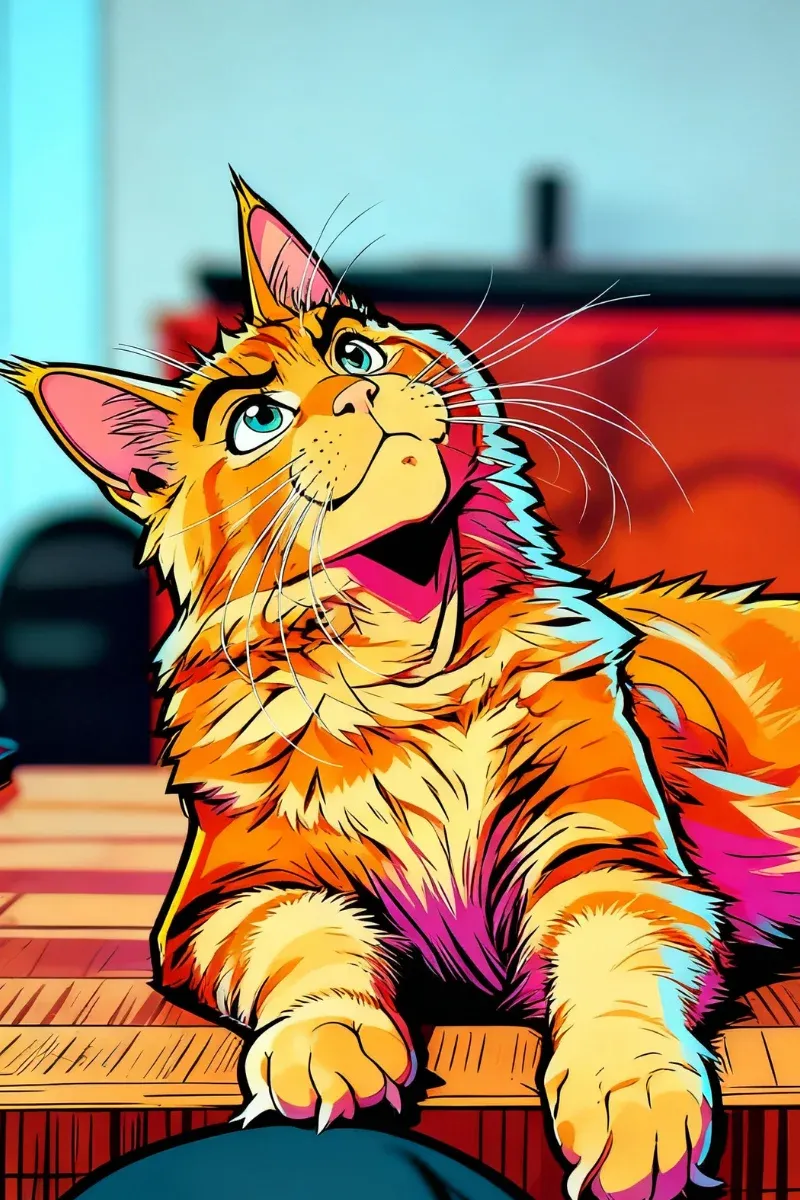
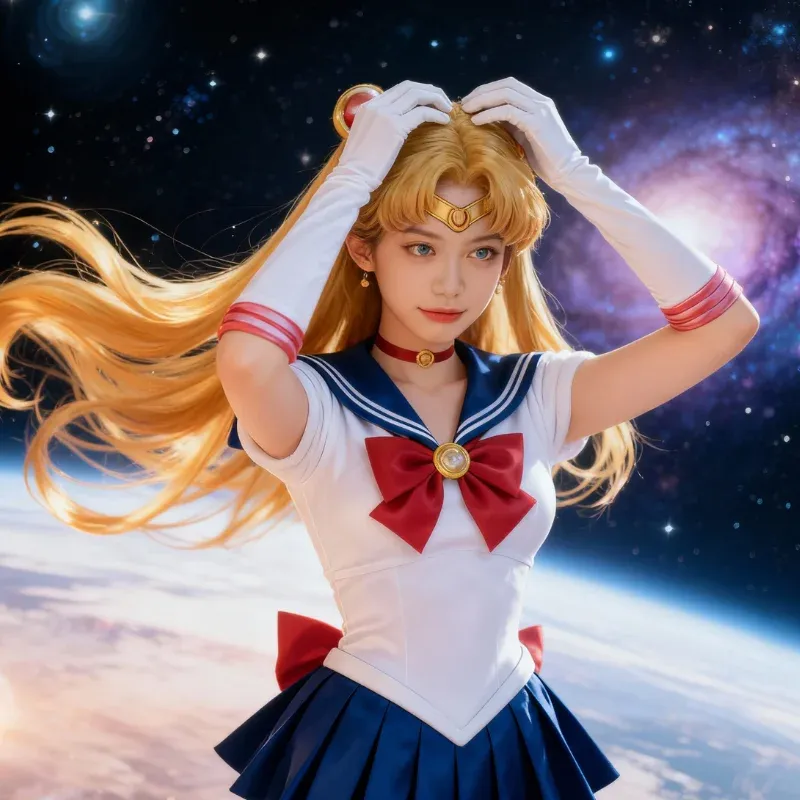
Give photos a fun, animated feel using our cartoon AI filter. Bold outlines, smooth shading, and lively colors turn everyday moments into charming, comic-style visuals.
Start for Free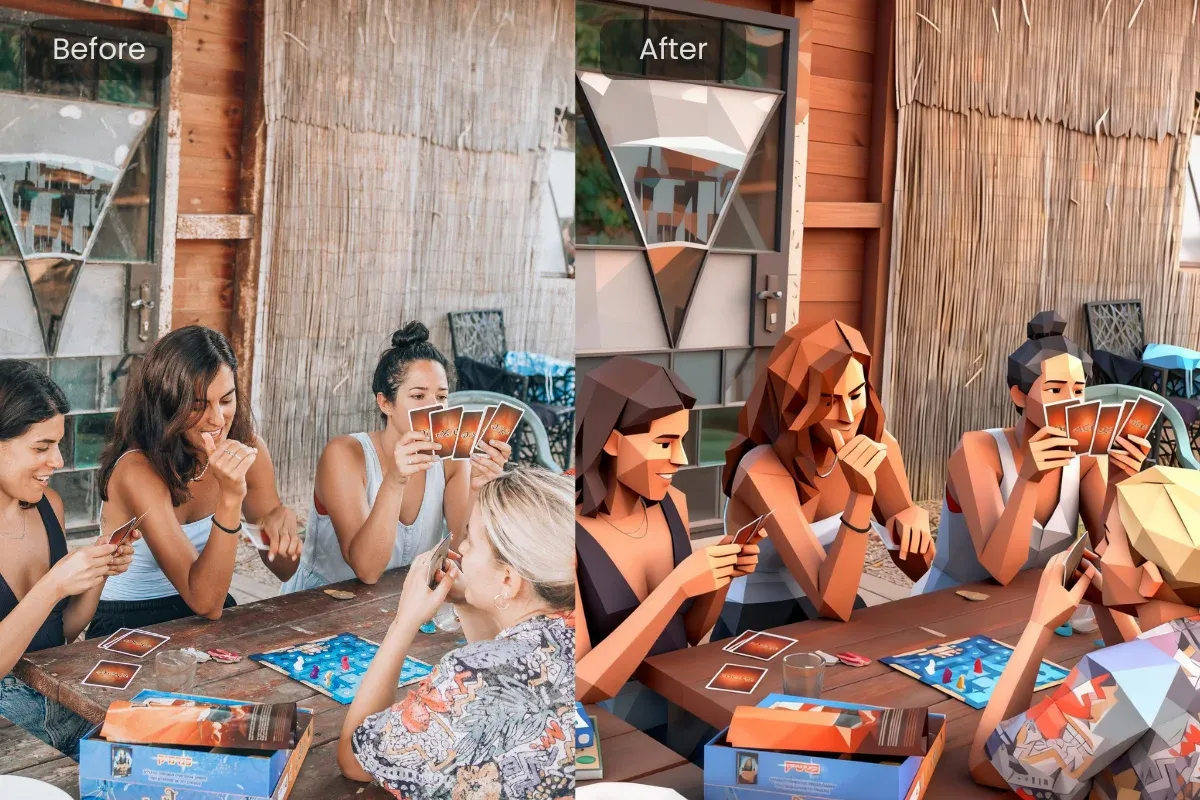
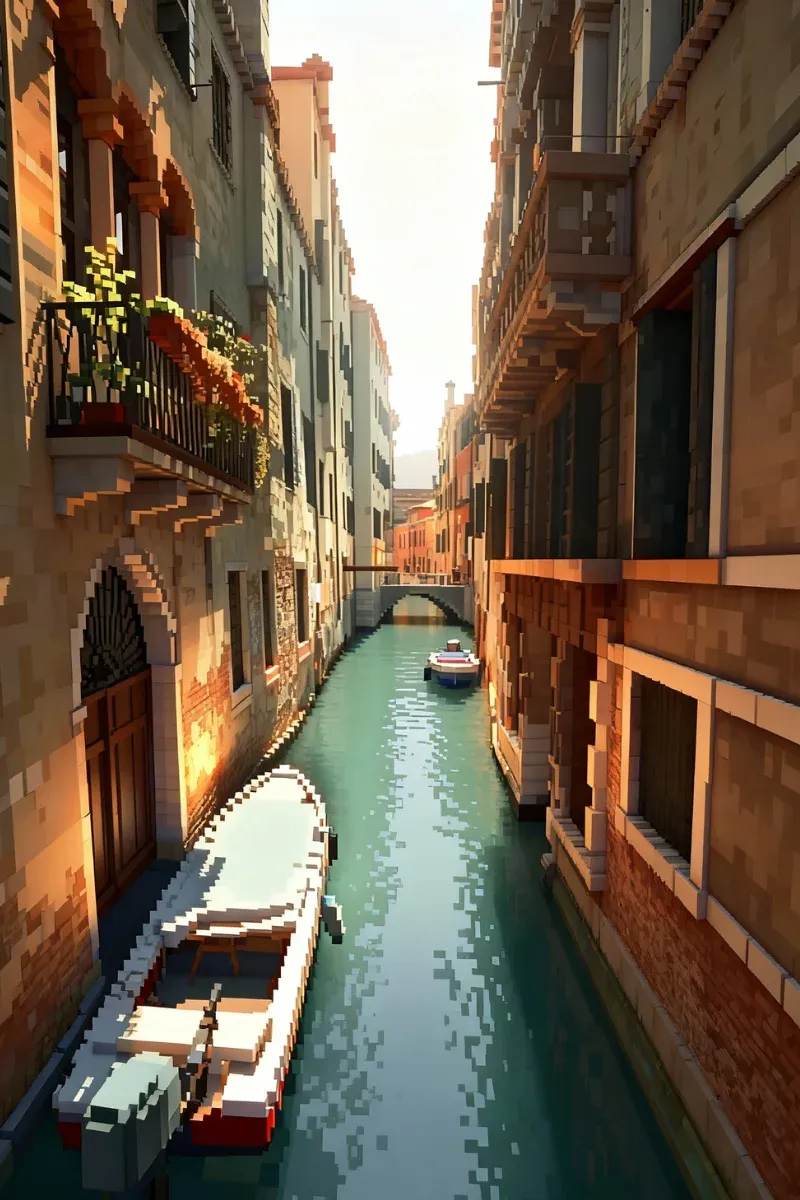
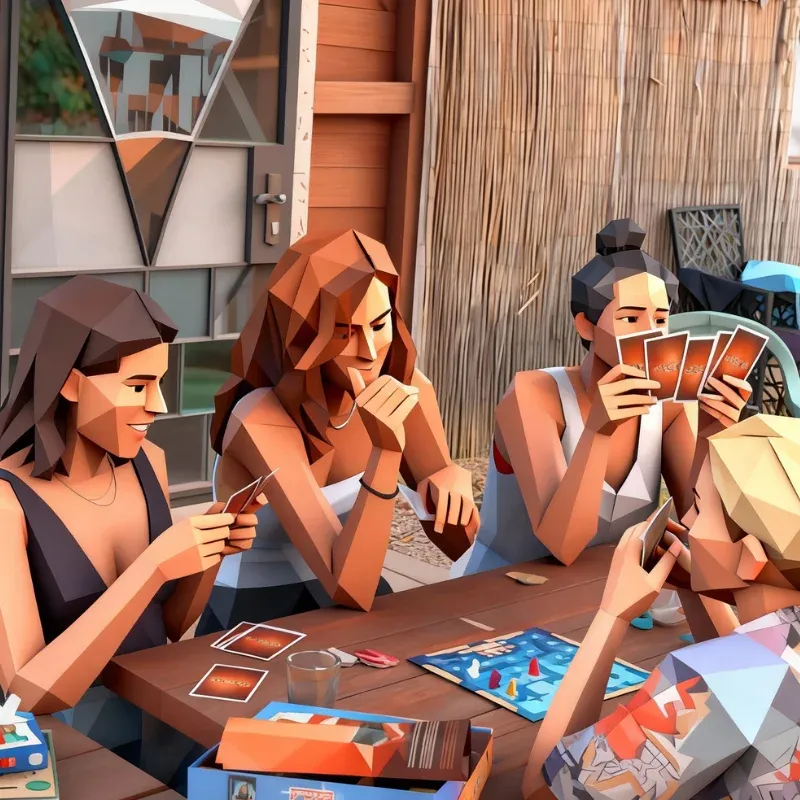
Recreate the iconic look of classic console games. This AI filter applies low-poly textures, soft lighting, and retro color tones, making photos feel like they belong in a nostalgic game world.
Start for FreeTurn ordinary photos into expressive characters with our AI filter styles like anime, cartoon, or retro game visuals. Perfect for profile pictures, social platforms, or simply seeing yourself in a whole new creative identity.
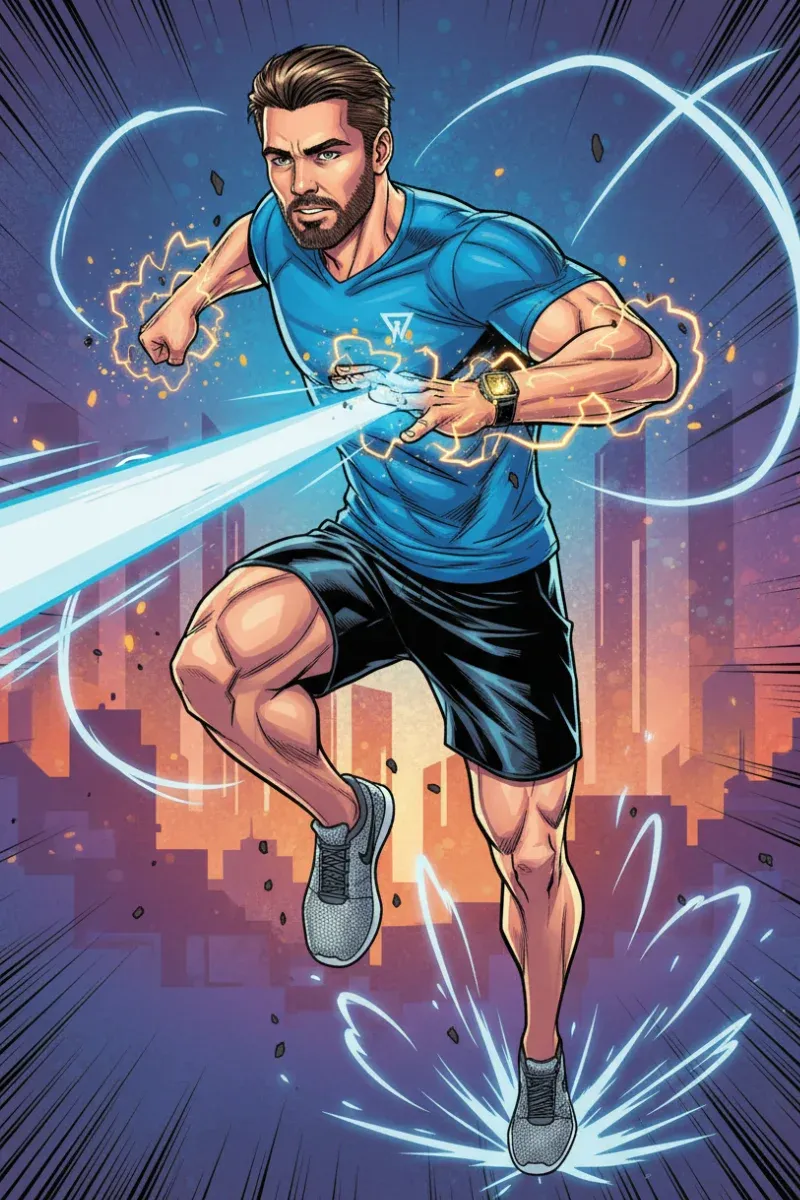
Make your photos stand out in crowded feeds. Use AI filters to transform selfies, pets, or daily moments into stylized artwork that grabs attention and adds personality across social media platforms.
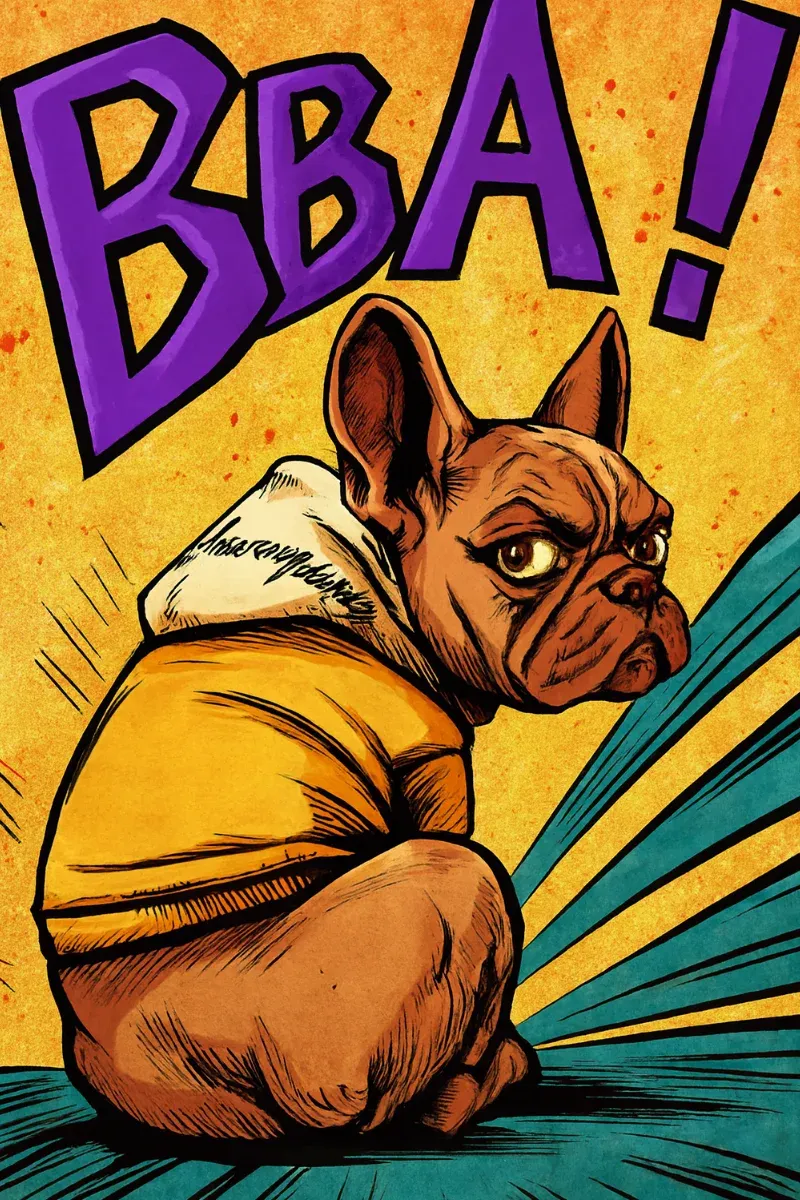
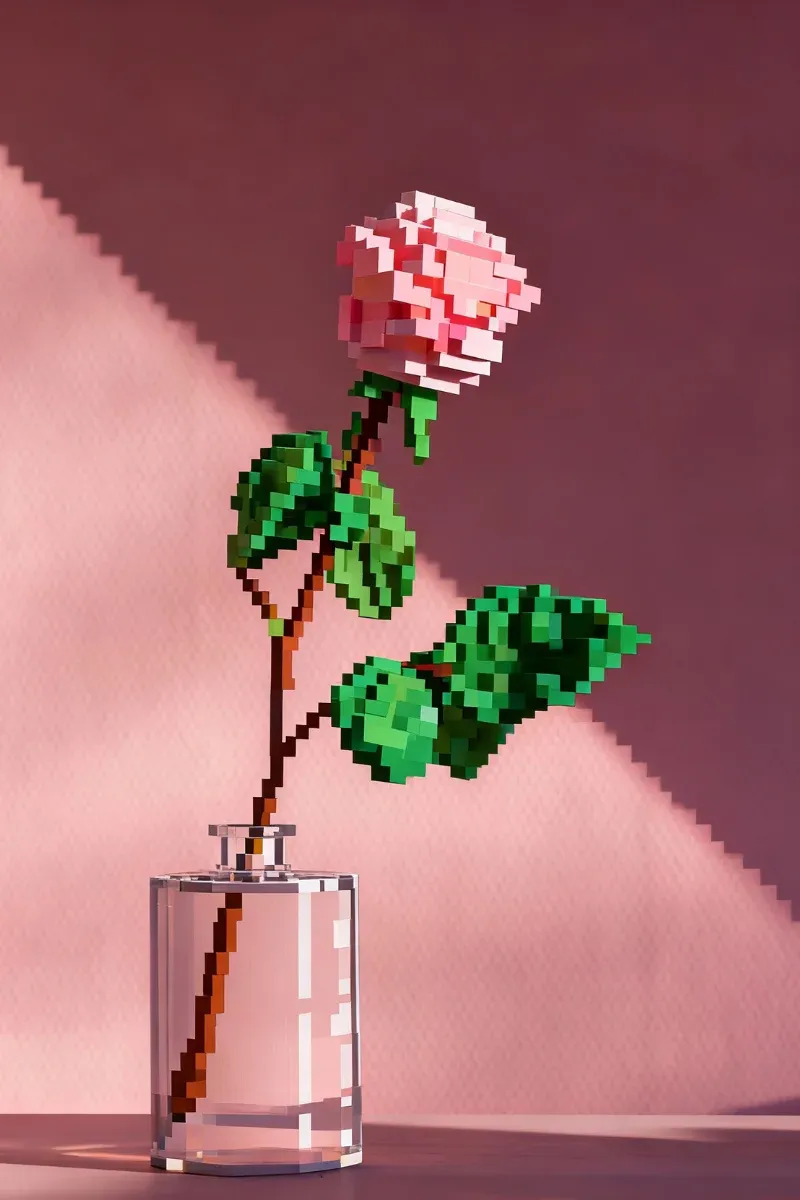
Give new life to casual shots and old favorites. Apply AI filters to travel photos, daily moments, or personal memories and turn them into visually fresh images worth revisiting and sharing.
Upload any photo from your device. The platform supports common image formats and processes your image securely and privately.
Choose an AI filter style such as anime, cartoon, watercolor, or PS2. The AI instantly generates a stylized version of your photo.
Want a different mood or style? Just tell the AI what you’d like to adjust, and it will refine the image based on your input.
Once you’re happy with the result, download your image and use it for profiles, social posts, or personal collections.
This AI filter is designed for anyone, regardless of technical background. Uploading a photo and generating creative results feels natural, intuitive, and enjoyable from the very first use.
From anime and cartoon effects to watercolor and retro PS2 visuals, this AI filter offers a wide range of styles that let users explore creativity without feeling limited.
The AI filter processes images in seconds, allowing users to try multiple styles quickly and stay in a creative flow without delays or long rendering times.
Users can try the AI filter for free and download watermarked images, making it easy to explore ideas before deciding whether to unlock more features.
The AI filter system evolves over time, improving details, textures, and style accuracy so results feel more polished and expressive with each update.
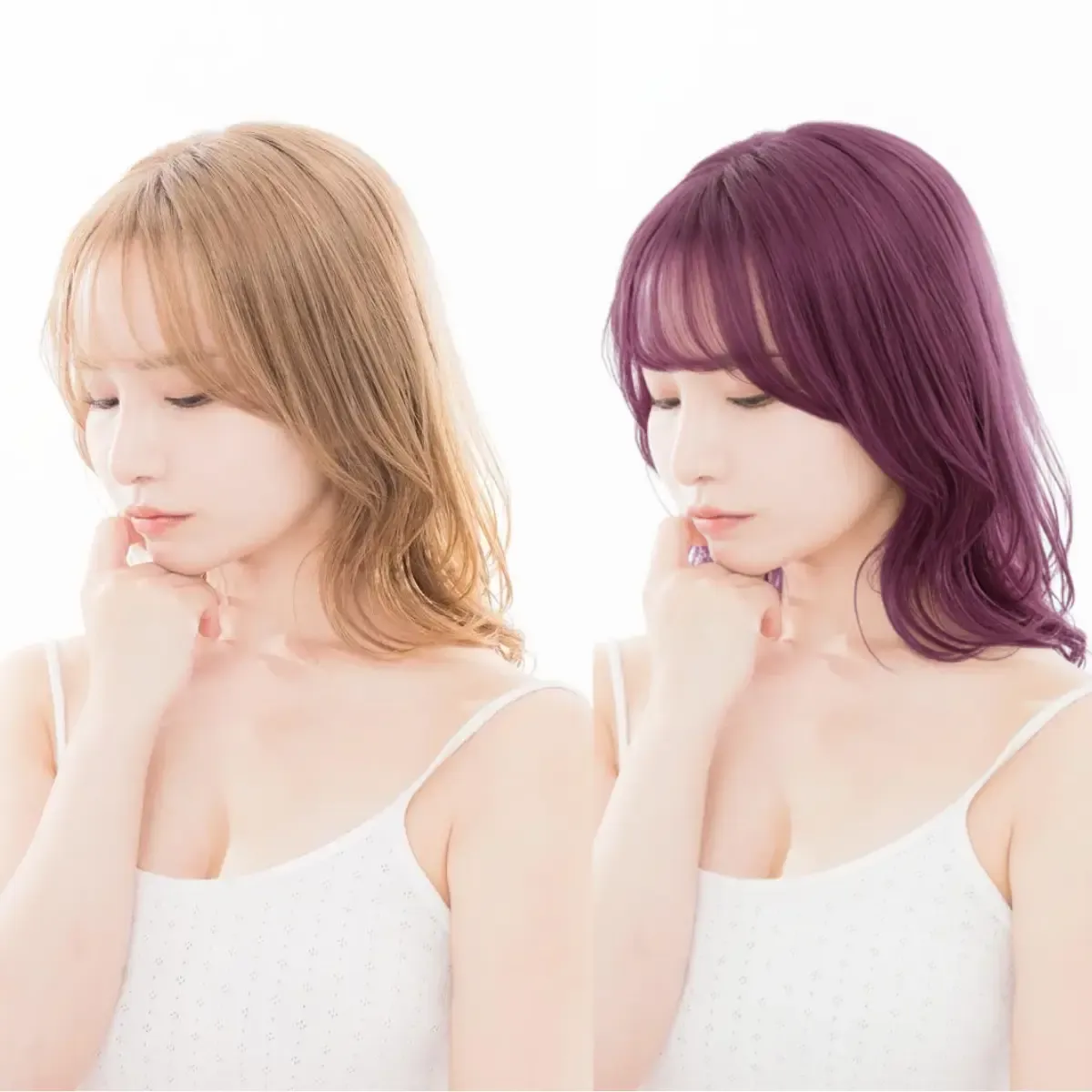
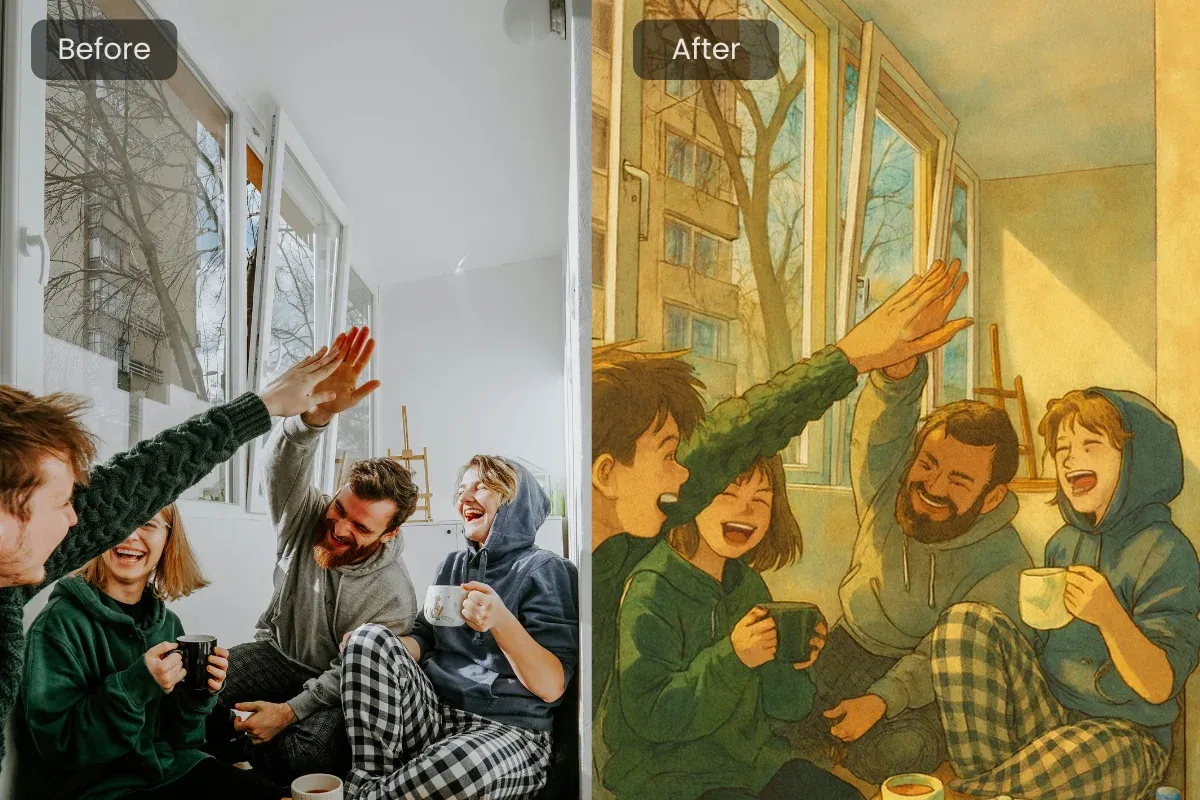
See how different styles can reshape the same photo in fun, unexpected ways.
Try AI Filters for FreeEverything works directly in the browser. The AI filter runs smoothly on desktop and mobile devices without requiring any software installation.
"I used the anime AI filter on a casual selfie, and it instantly looked like a real anime character. Super fun and surprisingly detailed."
Sarah Jenkins
26 years old, Teacher
"The cartoon AI filter makes my social posts stand out. It turns ordinary photos into something playful without any editing skills."
Michael Rodriguez
34 years old, Entrepreneur
"The PS2 AI filter is pure nostalgia. My friends and I turned our photos into retro game characters and loved every result."
Chloe Davis
19 years old, Student
"I tried the watercolor AI filter on a travel photo, and it honestly looked like a painting you’d hang on a wall."
Robert Smith
41 years old, Architect
"I use different AI filters to refresh my profile pictures. It’s fast, easy, and always gives me something new."
Emily Turner
28 years old, Marketing Coordinator